
Introduction
Digital communication has made multilingual typing an important part of everyday computer use. From preparing documents and writing emails to creating educational materials and managing office records, users often need to work in languages other than English. However, typing in Indian languages can become challenging when users are unfamiliar with traditional keyboard layouts or lack suitable input tools.
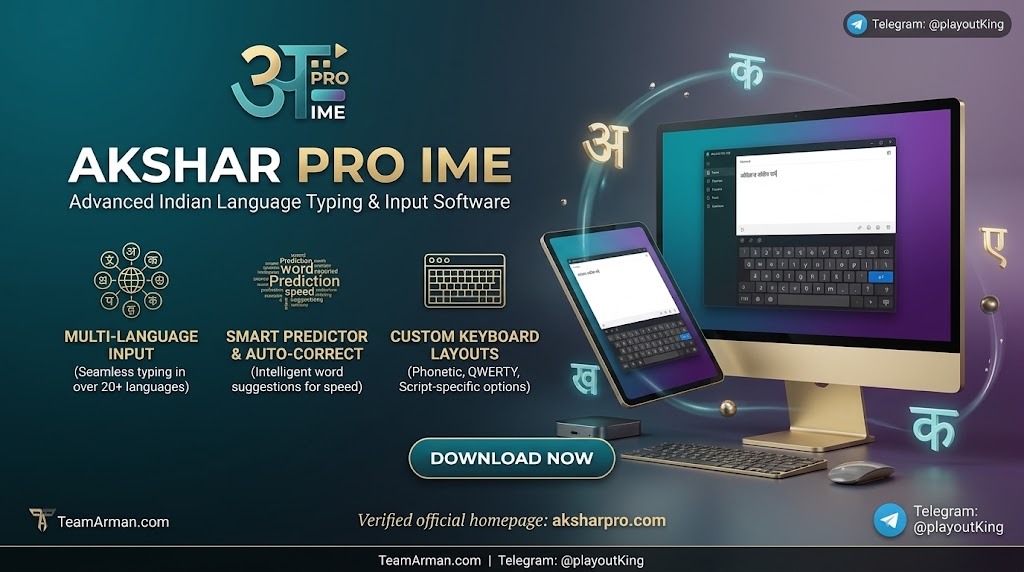
Akshar Pro IME is an Indian language input and typing application designed to support multilingual text entry on Windows computers. It provides a dedicated environment for users who need to write in supported Indian languages without depending entirely on standard English keyboard input. Its purpose is to make regional-language typing more convenient for personal, educational, and professional activities.
What Is Akshar Pro IME?
Akshar Pro IME is an Indian language typing and input method editor (IME) developed to assist computer users with regional-language text entry. An input method editor helps convert keyboard input into characters and words belonging to another writing system.
Instead of requiring users to memorize every character’s position in a traditional keyboard layout, an IME can provide alternative input methods depending on its available configuration.
This type of software can be useful for people who regularly prepare regional-language documents, communicate with local audiences, or work with multilingual digital content.
Key Features of Akshar Pro IME
1. Indian Language Typing Support
The primary purpose of Akshar Pro IME is to facilitate typing in supported Indian languages. This functionality can help users prepare regional-language content for documents, correspondence, educational materials, and other digital applications.
Language availability may depend on the installed edition and configuration.
2. Convenient Keyboard Input
A dedicated input method can make regional-language typing easier by providing an alternative to conventional keyboard entry. Users can work with the input arrangement offered by the software instead of manually inserting individual characters.
This can be particularly useful for people who frequently switch between English and Indian languages.
3. Multilingual Content Creation
Many offices, educational institutions, and businesses work with audiences who prefer different languages. Akshar Pro IME can support multilingual content creation by helping users enter text in the Indian languages available within the application.
This can be useful when preparing notices, letters, reports, and other written materials.
4. Support for Everyday Computer Work
Language input software is not limited to one particular writing activity. Depending on application compatibility, users may be able to enter regional-language text in word processors, text editors, and other programs.
This flexibility can make an IME a practical addition to a multilingual desktop workflow.
5. Desktop-Based Typing Environment
Akshar Pro IME is intended for computer-based language input. A desktop typing solution can be helpful for users who prefer working with a physical keyboard, especially when preparing lengthy documents or handling regular office assignments.
Where Can Akshar Pro IME Be Used?
Indian language typing software can serve several practical purposes across different environments.
Educational Institutions
Students and teachers may need regional-language typing for assignments, learning materials, examination documents, and classroom resources. An input tool can simplify the process of preparing this content digitally.
Office and Administrative Work
Administrative departments frequently handle letters, applications, notices, and records. When documents need to be prepared in regional languages, an IME can help make the typing process more manageable.
Content Writing and Publishing
Writers and publishers producing multilingual content may benefit from dedicated language input software. It can assist with preparing articles, informational documents, and other written material in supported languages.
Personal Communication
Users can also benefit from regional-language input when preparing personal messages, letters, and digital documents. Typing in a familiar language can make communication more accessible and comfortable.
Benefits of Using Indian Language Input Software
A dedicated language typing application can improve the overall experience of working with regional-language text.
Some potential benefits include:
-
More convenient typing: Provides an alternative way to enter Indian-language characters.
-
Improved accessibility: Helps users who prefer writing in their native or familiar language.
-
Better multilingual workflows: Supports work involving English and regional-language content.
-
Document preparation: Makes regional-language text entry more practical for everyday computer tasks.
-
Consistent input methods: Allows users to work with a dedicated typing arrangement.
The actual benefits depend on the application’s supported languages, input methods, and compatibility with other desktop programs.
System Compatibility and Installation
Before installing Akshar Pro IME, users should check the software’s system requirements and compatibility information. Factors such as Windows version, processor architecture, available storage, and language configuration may affect installation.
It is also important to verify whether the required language fonts and keyboard components are available. Proper font support helps ensure that regional-language characters display correctly in documents and other applications.
After installation, users should explore the available language settings and input options to understand how the typing system works.
Things to Consider Before Using Akshar Pro IME
Although language input software can make typing more convenient, users should evaluate a few important points before relying on it for regular work.
-
Confirm that the required Indian languages are supported.
-
Check compatibility with the Windows version installed on the computer.
-
Review available keyboard layouts and input methods.
-
Ensure that the necessary fonts display regional-language characters correctly.
-
Test typing in the applications where the software will be used.
These checks can help prevent common typing and compatibility issues.
Conclusion
Akshar Pro IME is a desktop language input solution intended to make Indian-language typing more accessible for computer users. Its purpose is to simplify regional-language text entry and support multilingual activities such as document preparation, office work, education, and content creation.
For users who regularly work with Indian-language text, an appropriate IME can provide a more convenient alternative to standard English keyboard input. Before choosing the software, it is advisable to verify its supported languages, available typing methods, and compatibility with the intended Windows environment.
Our Paid Service
If you want to Purchase Cracked Version / KeyGen Activator /License Key
Contact Us on our Telegram ID :
Crack Software Policies & Rules:
Lifetime Activation, Unlimited PCs/Users,
You Can test through AnyDesk before Buying,
And When You Are Satisfied, Then Buy It.
 saif