
Introduction
Direct-to-Film (DTF) printing has become an increasingly popular technology in the custom apparel and textile printing industry. It allows businesses to produce detailed, colorful designs on transfer film and apply them to different fabric surfaces using heat transfer equipment. However, achieving consistent printing results requires more than a standard image editor or printer driver. Professional production environments need software that can manage color output, white ink layers, image positioning, and printer-specific settings.
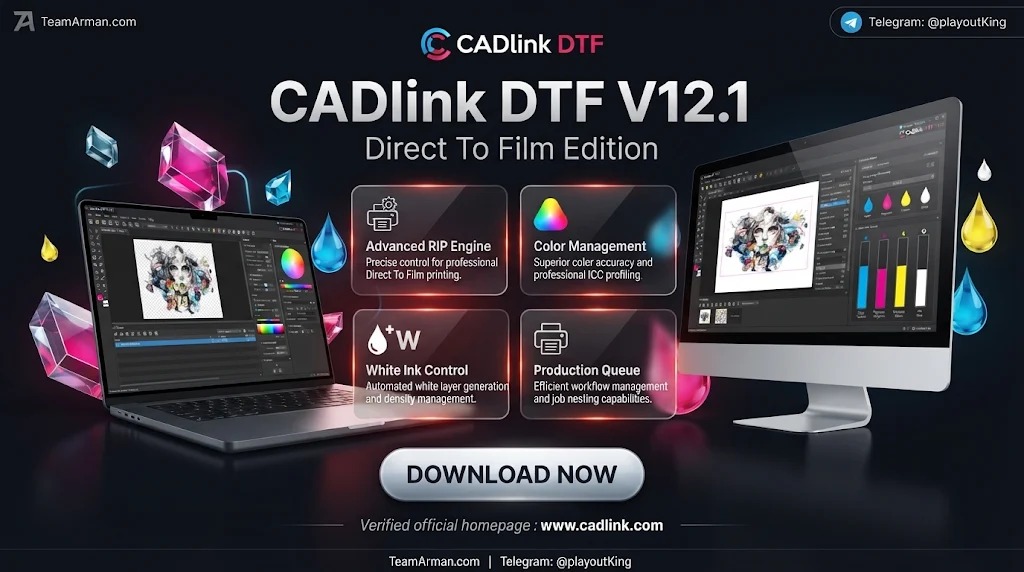
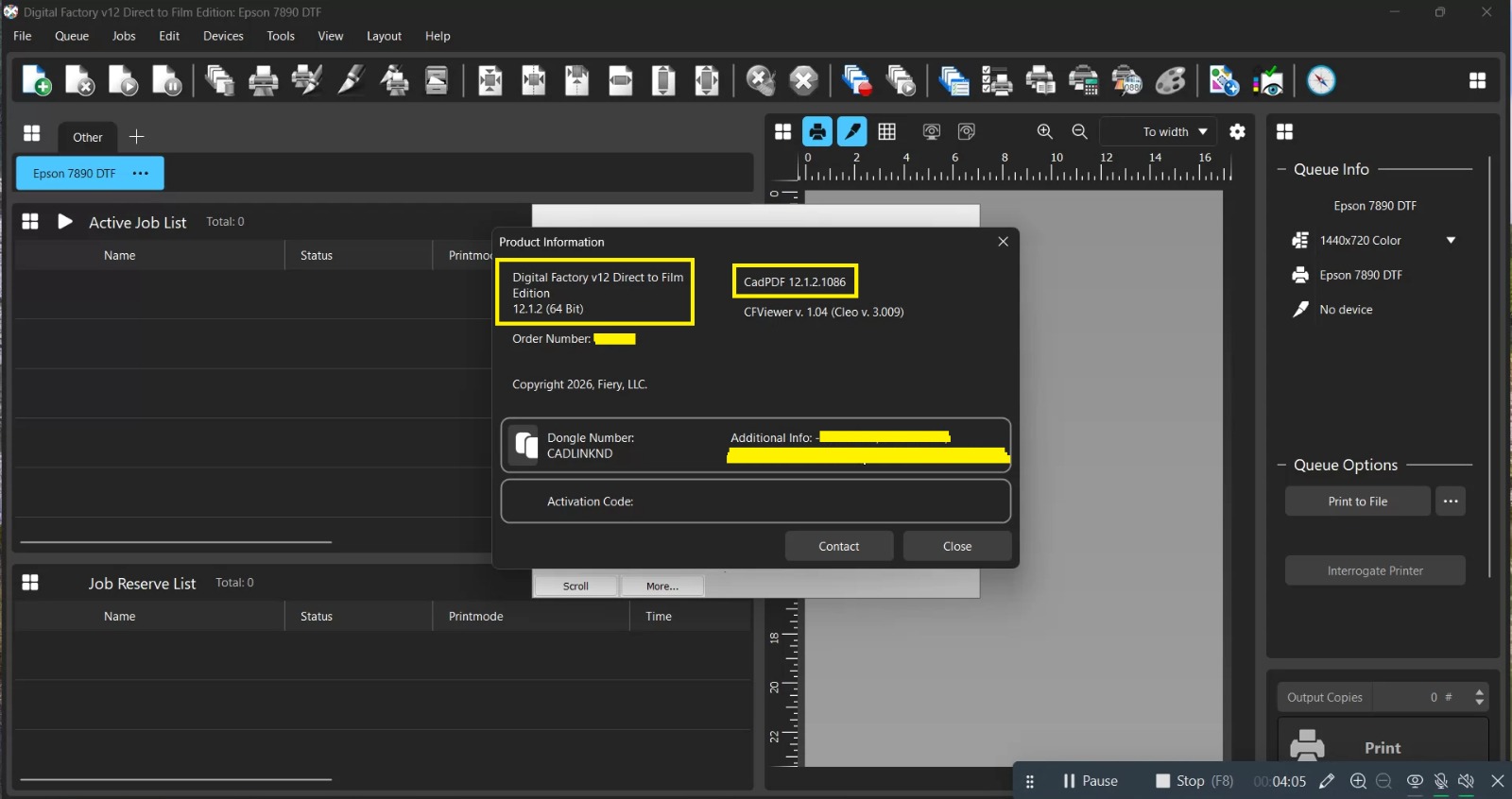
CADlink DTF V12.1 is a specialized edition of Digital Factory software designed to support Direct-to-Film printing workflows. It provides tools for preparing artwork, processing print jobs, managing color output, and controlling important production settings. By combining RIP technology with DTF-focused functions, the software helps printing businesses organize their production process and prepare artwork for compatible printing equipment.
The application is particularly relevant to garment decorators, custom apparel businesses, textile printing studios, and professional DTF production operators.
What Is CADlink DTF V12.1?
CADlink DTF is a professional printing software solution developed for Direct-to-Film production. It works as a Raster Image Processor (RIP), translating digital artwork into printer-ready information while applying selected color and output settings.
Unlike basic image editing applications, a RIP solution focuses on the technical requirements of printing. It helps manage color channels, ink configurations, resolution, image placement, and other settings that influence the final transfer.
CADlink DTF is intended to work with supported printers and compatible printing configurations. Its available capabilities can vary depending on the software edition, printer model, and installed configuration.
Key Features of CADlink DTF V12.1
1. Advanced RIP Processing
The RIP engine converts digital artwork into printer-ready data while applying the selected output settings. CADlink processes image information, color channels, resolution, and ink configurations before sending jobs to compatible printers.
Its optimized processing workflow can help printing businesses manage multiple designs and reduce repetitive preparation tasks.
2. White Ink Underbase Management
White ink is essential in many DTF printing workflows, particularly when producing designs for dark or colored garments.
CADlink provides tools for generating and adjusting white underbase layers. Users can configure white ink density, coverage, choke, and spread settings according to their artwork and printing requirements.
These controls help create a suitable foundation for color layers and improve the appearance of transferred designs.
3. Professional Color Management
Color consistency is important when producing customized garments and commercial transfers. Different printers, inks, films, and printing conditions can influence the final output.
CADlink includes an ICC-compatible color management engine that helps users control color reproduction through profiles and adjustment settings.
Important capabilities include:
-
ICC color profile support.
-
Ink volume adjustments.
-
Manual color curve controls.
-
Shadow, midtone, and highlight adjustments.
-
Color correction tools.
-
Print mode configuration.
Using profiles appropriate for the printer, ink, and transfer material can help produce more predictable results.
4. Artwork Preparation and Editing
Preparing artwork correctly before printing can improve production efficiency. CADlink includes several tools for adjusting designs within the RIP environment.
Users can perform operations such as:
-
Image resizing and scaling.
-
Cropping and positioning.
-
Rotation and mirroring.
-
Image duplication.
-
Color replacement.
-
Print preview.
-
Template-based placement.
-
Soft proofing.
These tools help operators prepare designs for different garment sizes and transfer dimensions without repeatedly switching between applications.
5. Gang Sheet and Nesting Layout
Gang sheet preparation allows multiple designs to be arranged on a single transfer film layout. This can help businesses use printable film space more efficiently.
CADlink provides layout and nesting capabilities in supported configurations. Users can organize multiple graphics, adjust spacing, and prepare combined production jobs.
This functionality is particularly useful for print shops handling several customer orders or producing multiple garment designs in one printing session.
6. Halftone and Raster Processing
Halftone and raster controls influence how tonal details, gradients, and image textures are reproduced during printing.
CADlink includes rasterization and related processing tools that help users manage the appearance of artwork during production.
These controls can be useful when preparing detailed graphics, photographs, gradients, and designs that require specific printing effects.
7. Production Queue Management
Handling multiple customer orders requires an organized production process. CADlink provides a centralized queue-based interface for managing print jobs.
Users can organize incoming artwork, prioritize selected jobs, review job properties, and monitor production status.
Additional workflow capabilities may include:
-
Automated job scheduling.
-
Hot-folder support.
-
Job history and archiving.
-
Job notes and status information.
-
Multiple production queues.
-
Barcode-related automation in supported configurations.
These features can help businesses manage recurring orders and larger printing workloads.
8. Integration with Graphic Design Applications
Many printing businesses prepare artwork using professional graphic design applications.
CADlink supports workflows involving applications such as CorelDRAW, Adobe Illustrator, and Adobe Photoshop through compatible plug-ins and job-transfer methods.
This allows designers to prepare graphics in their preferred software and send them into the RIP environment for final production settings.
9. Printer Compatibility and Output Control
Printer compatibility is one of the most important factors when choosing DTF software.
CADlink supports different printer configurations through its available driver packages and editions. The software provides controls for managing print output according to the selected printer and production setup.
Before installation, users should confirm that their exact printer model, controller, and connection method are supported. Desktop and production editions may have different device-support capabilities.
10. Automated Production Tools
Production automation can reduce repetitive operations in busy printing environments.
CADlink includes workflow features such as hot-folder processing, job scheduling, automated job handling, and barcode-related functions in supported configurations.
These capabilities can help businesses organize incoming artwork and improve the consistency of their printing workflow.
Supported File Formats
CADlink Digital Factory supports several common graphic and production file formats. Depending on the edition and installed configuration, compatible formats may include:
-
PDF
-
PNG
-
JPG and JPEG
-
TIFF
-
BMP
-
AI
-
EPS
-
SVG
File compatibility can vary according to the selected workflow, application integration, and software configuration.
Who Can Benefit from CADlink DTF V12.1?
CADlink DTF can support different types of businesses involved in customized printing and garment decoration.
-
DTF Printing Businesses: Prepare transfer artwork and organize production jobs.
-
Custom Apparel Companies: Produce graphics for shirts, hoodies, and other garments.
-
Garment Decorators: Manage white ink, color output, and print layouts.
-
Print-on-Demand Businesses: Handle multiple customer designs and printing orders.
-
Commercial Print Shops: Organize recurring production jobs through centralized queues.
-
Textile Entrepreneurs: Develop structured workflows for customized transfer production.
The software is particularly relevant to businesses that need more control over print preparation and output than standard printer software provides.
Benefits of Using CADlink DTF V12.1
Better Printing Consistency
ICC-based color management and adjustable ink settings help users maintain more consistent output across compatible printing configurations.
Improved White Ink Control
Dedicated underbase settings provide greater control over white ink coverage and its relationship with color layers.
More Efficient Artwork Preparation
Built-in resizing, cropping, rotation, mirroring, and layout tools reduce the need to perform every adjustment in separate applications.
Organized Production Workflow
Queue management, job history, and supported automation tools help printing businesses manage multiple orders more efficiently.
Flexible Printer Integration
Compatible printer drivers and configurable output settings allow the software to work with supported DTF printing equipment.
System Requirements and Compatibility
CADlink DTF V12.1 is designed for Windows-based desktop environments. A suitable workstation is important for processing detailed artwork and managing multiple print jobs.
| Component | Suggested Configuration |
|---|---|
| Operating System | Compatible 64-bit Windows |
| Processor | Intel Core i5 / AMD Ryzen 5 or better |
| RAM | 8–16 GB or more |
| Storage | SSD recommended |
| Display | Full HD resolution recommended |
| Connectivity | Compatible DTF printer connection |
These are general workstation recommendations rather than verified minimum requirements for every installation.
Before installing the software, users should check the requirements supplied with their specific package and confirm compatibility with their printer model, driver, and controller.
Conclusion
CADlink DTF V12.1 (Direct-to-Film Edition) is a specialized RIP and production workflow solution for businesses involved in DTF printing. Its combination of white ink management, ICC color correction, artwork preparation, raster processing, gang sheet layouts, and production queue management makes it suitable for professional garment decoration and transfer production.
By bringing important printing operations into one environment, the software can help users prepare artwork more efficiently and maintain better control over their production process.
For DTF printing businesses, apparel decorators, and commercial print shops, CADlink provides a dedicated platform for managing artwork and preparing jobs for compatible printing equipment. Printer compatibility, correct color profiles, and suitable output configurations remain essential for achieving reliable printing results.
Our Paid Service
If you want to Purchase Cracked Version / KeyGen Activator /License Key
Contact Us on our Telegram ID :
Crack Software Policies & Rules:
Lifetime Activation, Unlimited PCs/Users,
You Can test through AnyDesk before Buying,
And When You Are Satisfied, Then Buy It.
 saif