
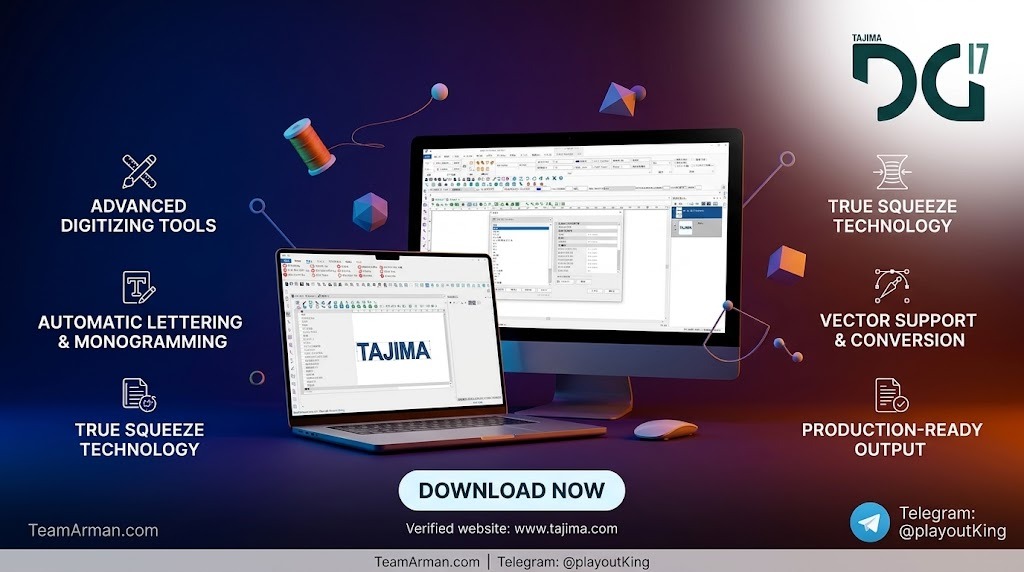
Tajima DG17 – Professional Embroidery Design, Digitizing and Stitch Editing Software
Embroidery production requires more than attractive artwork. Every design must be converted into properly organized stitches that embroidery machines can understand and reproduce accurately. Tajima DG17 is a professional embroidery design and digitizing solution developed to help users create, customize, edit, and manage embroidery projects through a comprehensive collection of digital tools.
Designed for embroidery businesses, professional digitizers, garment manufacturers, and creative designers, Tajima DG17 combines vector-based design capabilities with advanced stitch editing and lettering functions. It provides tools for working with existing embroidery files, creating new patterns, adjusting stitch properties, and preparing designs for machine production.
Whether someone is developing custom clothing designs, company logos, personalized lettering, or decorative embroidery patterns, Tajima DG17 offers a flexible working environment for handling different design requirements.
What Is Tajima DG17?
Tajima DG17 is professional embroidery digitizing software designed for creating and editing machine-readable embroidery designs. It allows users to transform artwork into embroidery data, modify existing patterns, customize lettering, and prepare designs for compatible embroidery machines.
The software supports multiple embroidery file formats, including its PXF format, and provides tools for managing stitch sequences, adjusting design elements, and organizing thread colors.
One of its important characteristics is its different software levels. These editions provide different combinations of design, digitizing, lettering, and editing capabilities, allowing users to select an environment according to their requirements.
DG17 is suitable for both independent embroidery designers and businesses managing larger production workflows.
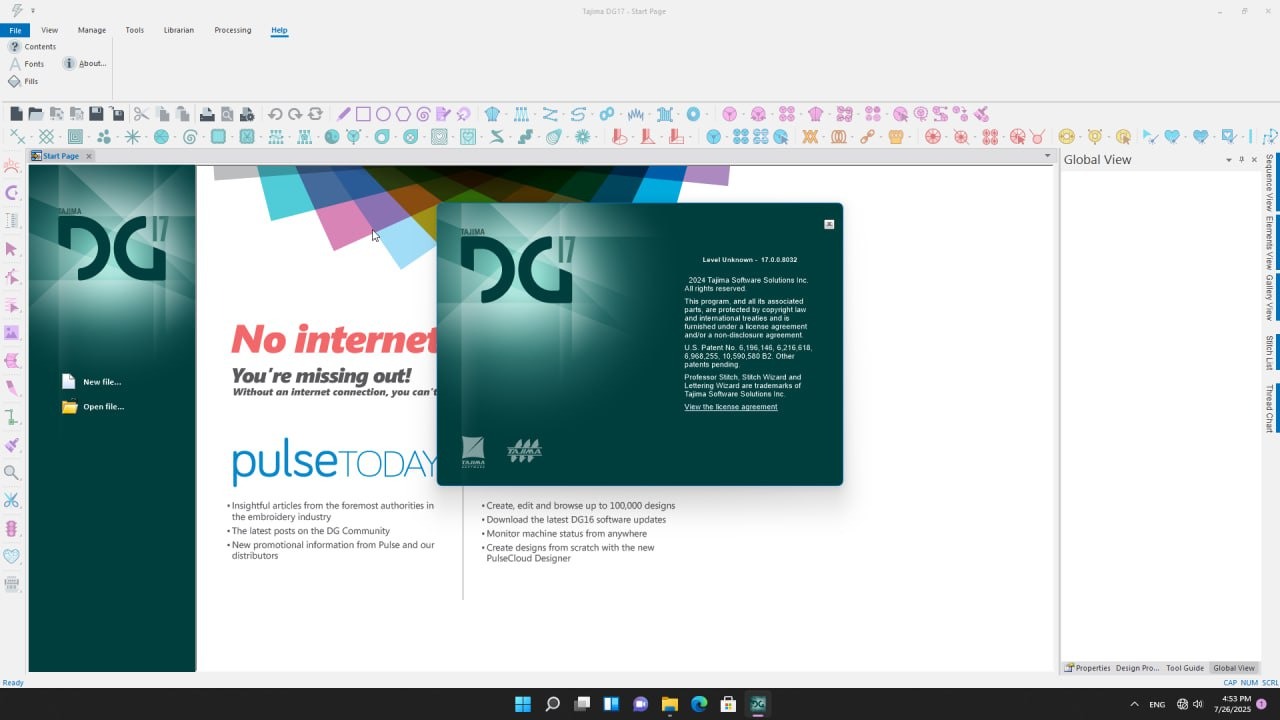
Key Features of Tajima DG17
1. Advanced Embroidery Digitizing
Digitizing is one of the most important stages of professional embroidery production. It involves converting artwork into stitch information that an embroidery machine can reproduce.
Tajima DG17 provides several digitizing tools for creating different stitch types, including:
-
Satin stitches
-
Run stitches
-
Tatami fills
-
Complex fill patterns
-
Decorative stitch effects
Users can create outlines, shapes, and detailed design elements while adjusting stitch directions and other settings.
These capabilities help digitizers prepare artwork for different fabrics, garment styles, and embroidery applications.
2. Professional Lettering and Font Customization
Lettering is frequently required for personalized garments, uniforms, sportswear, caps, and promotional products.
Tajima DG17 includes an extensive embroidery font collection, with more than 200 fonts documented across its product information. Users can customize text, adjust letter placement, and create different lettering arrangements.
Depending on the selected edition, available lettering capabilities can include:
-
Custom text creation
-
Individual letter editing
-
Curved and vertical lettering
-
Team name designs
-
Font size adjustments
-
Specialized embroidery lettering
These options make it easier to prepare personalized embroidery projects without manually creating every character.
3. Stitch Editing and Design Modification
Existing embroidery designs often require adjustments before production. Tajima DG17 provides editing tools that allow users to modify individual stitches, outlines, and selected design segments.
Users can work with different elements of a design, change stitch arrangements, and adjust the positioning of selected objects.
Common editing operations include:
-
Resizing embroidery designs
-
Rotating and reflecting objects
-
Duplicating design elements
-
Adjusting stitch directions
-
Editing individual stitches
-
Modifying entry and exit points
-
Reorganizing design sequences
These functions are useful when adapting an existing pattern for different garment sizes or production requirements.
4. Vector Artwork Import and Drawing Tools
Creating embroidery from existing artwork is a common requirement for professional digitizers. DG17 provides vector-related tools that help users work with graphical elements before converting them into embroidery data.
Its drawing environment includes tools for creating and modifying shapes, curves, and outlines.
The software also supports vector data import from compatible applications and workflows, including Adobe Illustrator and CorelDRAW.
This functionality can help designers convert brand logos, illustrations, and other graphical artwork into embroidery projects.
5. Multiple Embroidery File Formats
Embroidery machines and design applications can use different file formats. Compatibility is therefore an important consideration when preparing projects for production.
Tajima DG17 supports opening and saving popular embroidery formats, along with its PXF design format.
Its file-handling capabilities help users:
-
Open existing embroidery projects.
-
Save customized designs.
-
Convert embroidery files into other supported formats.
-
Organize design information.
-
Prepare files for compatible embroidery equipment.
The exact formats and available conversion options should be checked against the selected edition and machine requirements.
6. Thread Colors and Palette Management
Thread selection plays an important role in the final appearance of embroidered products.
Tajima DG17 includes thread palette management tools that allow users to organize and customize thread colors for individual projects.
Designers can work with different color combinations, modify thread assignments, and prepare designs with organized color sequences.
These capabilities are particularly useful when creating multicolor logos, decorative patterns, and customized garment designs.
7. Embroidery Machine Connectivity
Preparing a design is only one part of the production process. Transferring embroidery data to compatible machines is another important requirement.
Tajima DG17 provides machine connectivity and networking capabilities, including support for compatible Tajima equipment and selected third-party embroidery machines.
Its machine-related features can support design transfer, production monitoring, and workflow organization.
For compatible Tajima LAN-enabled machines, additional networking capabilities can include machine status monitoring, production information, and automated design transfer.
8. Specialized Embroidery Effects
Professional embroidery sometimes requires decorative techniques beyond standard stitching.
Depending on the selected software level, options, and compatible equipment, DG17 supports specialized embroidery effects such as:
-
Chenille embroidery
-
Sequin decoration
-
Rhinestone placement
-
Seed bead designs
-
Laser appliqué
-
Taping and cording effects
These features allow embroidery professionals to explore different decorative applications for fashion, accessories, promotional garments, and customized products.
Not every specialized function is included in every DG17 edition, and some techniques require compatible machine attachments.
Different Software Levels Available in Tajima DG17
Tajima DG17 is available in multiple product levels designed for different embroidery requirements.
| Edition | Main Purpose |
|---|---|
| Maestro | Advanced digitizing and professional design creation |
| Artist Plus | Creative embroidery design and detailed editing |
| Illustrator Extreme | Advanced illustration and embroidery functions |
| Creator | Essential digitizing and design tools |
| Composer | Lettering and personalization |
| Express | Machine connectivity and design transfer |
The exact availability of features depends on the edition and associated options. Users should compare the included tools before choosing a version.
Who Can Benefit from Tajima DG17?
Tajima DG17 can support several types of users involved in embroidery design and production.
Embroidery Digitizers: Professionals can use its digitizing and stitch editing tools to create machine-ready designs.
Garment Manufacturers: Clothing businesses can prepare customized embroidery patterns for uniforms, shirts, jackets, and other products.
Sportswear Businesses: Lettering, team names, and logo customization can support personalized sportswear production.
Promotional Product Designers: Businesses producing branded merchandise can prepare embroidery artwork for caps, bags, and promotional clothing.
Embroidery Workshops: Small and medium-sized production facilities can use design management and machine connectivity features to organize their work.
Benefits of Using Tajima DG17
The software offers several practical advantages for embroidery design workflows.
-
Flexible Design Creation: Multiple digitizing and drawing tools support different project requirements.
-
Detailed Stitch Control: Users can modify individual stitches and design segments.
-
Professional Lettering: Built-in embroidery fonts support personalized text and logo applications.
-
File Compatibility: Support for popular embroidery formats helps with exchanging design files.
-
Machine Integration: Compatible connectivity features assist with transferring designs into production.
-
Creative Possibilities: Specialized stitch effects expand the range of decorative embroidery applications.
-
Production Organization: Thread palettes, design information, and networking functions help manage embroidery workflows.
The final production quality still depends on correct digitizing, suitable thread and fabric selection, machine settings, and testing.
System Requirements and Compatibility
Before installing Tajima DG17, users should review the software’s compatibility requirements.
The required Windows version, processor, memory, available storage, display configuration, and hardware connectivity should be checked against the documentation for the particular release.
Additional considerations include:
-
Compatible Windows operating system.
-
Sufficient RAM for larger embroidery projects.
-
Adequate storage for design files and supporting resources.
-
Compatible graphics and display configuration.
-
Appropriate machine connection hardware where required.
-
Supported licensing and installation components.
Because requirements can differ between releases and configurations, users should avoid relying on generic hardware specifications without checking the relevant documentation.
Tips for Getting Better Results with Tajima DG17
Learning the available tools can make embroidery design work more organized and efficient.
-
Start with suitable artwork: Use clear graphics with recognizable shapes and manageable details.
-
Choose appropriate stitch types: Different shapes and fabric applications may require different stitching methods.
-
Check stitch density: Incorrect density can affect fabric appearance and embroidery quality.
-
Organize thread colors: Keep color assignments consistent throughout the project.
-
Review stitch sequences: Proper sequencing can help reduce unnecessary machine movements.
-
Test the design: Run a sample embroidery before moving into larger production.
-
Save working versions: Keep separate copies of important projects to avoid losing previous edits.
These practices help reduce common digitizing mistakes and improve the reliability of embroidery projects.
Frequently Asked Questions
1. What is Tajima DG17 used for?
Tajima DG17 is used for creating, digitizing, editing, and managing machine-readable embroidery designs. It also includes lettering, stitch modification, and production-related tools.
2. Does Tajima DG17 support embroidery lettering?
Yes. The software includes a collection of embroidery fonts and lettering tools. Available functions depend on the selected product edition.
3. Can Tajima DG17 edit existing embroidery designs?
Yes. Users can modify existing designs through resizing, rotation, stitch editing, object adjustment, and other supported editing operations.
4. Does Tajima DG17 support different embroidery file formats?
Yes. It supports popular embroidery formats and the PXF format. Exact format compatibility depends on the software configuration.
5. Is Tajima DG17 suitable for professional embroidery businesses?
Yes. Its digitizing, lettering, editing, and compatible machine networking capabilities make it suitable for professional embroidery workflows.
6. Are all Tajima DG17 features available in every edition?
No. DG17 has multiple product levels, and certain advanced tools and specialized functions depend on the selected edition and additional options.
Conclusion
Tajima DG17 provides a comprehensive environment for professional embroidery digitizing, design creation, lettering, and stitch editing. Its combination of drawing tools, embroidery file support, thread management, and machine connectivity makes it a useful solution for designers and businesses working with digital embroidery production.
From creating custom logos to modifying existing patterns and preparing designs for compatible embroidery machines, the software supports a wide range of practical applications. Understanding the different editions and their available features is essential when selecting the appropriate configuration.
For users looking to organize embroidery design work and develop more detailed machine-ready patterns, Tajima DG17 offers a collection of tools worth exploring.
Our Paid Service
If you want to Purchase Cracked Version / KeyGen Activator /License Key
Contact Us on our Telegram ID :
Crack Software Policies & Rules:
Lifetime Activation, Unlimited PCs/Users,
You Can test through AnyDesk before Buying,
And When You Are Satisfied, Then Buy It.