
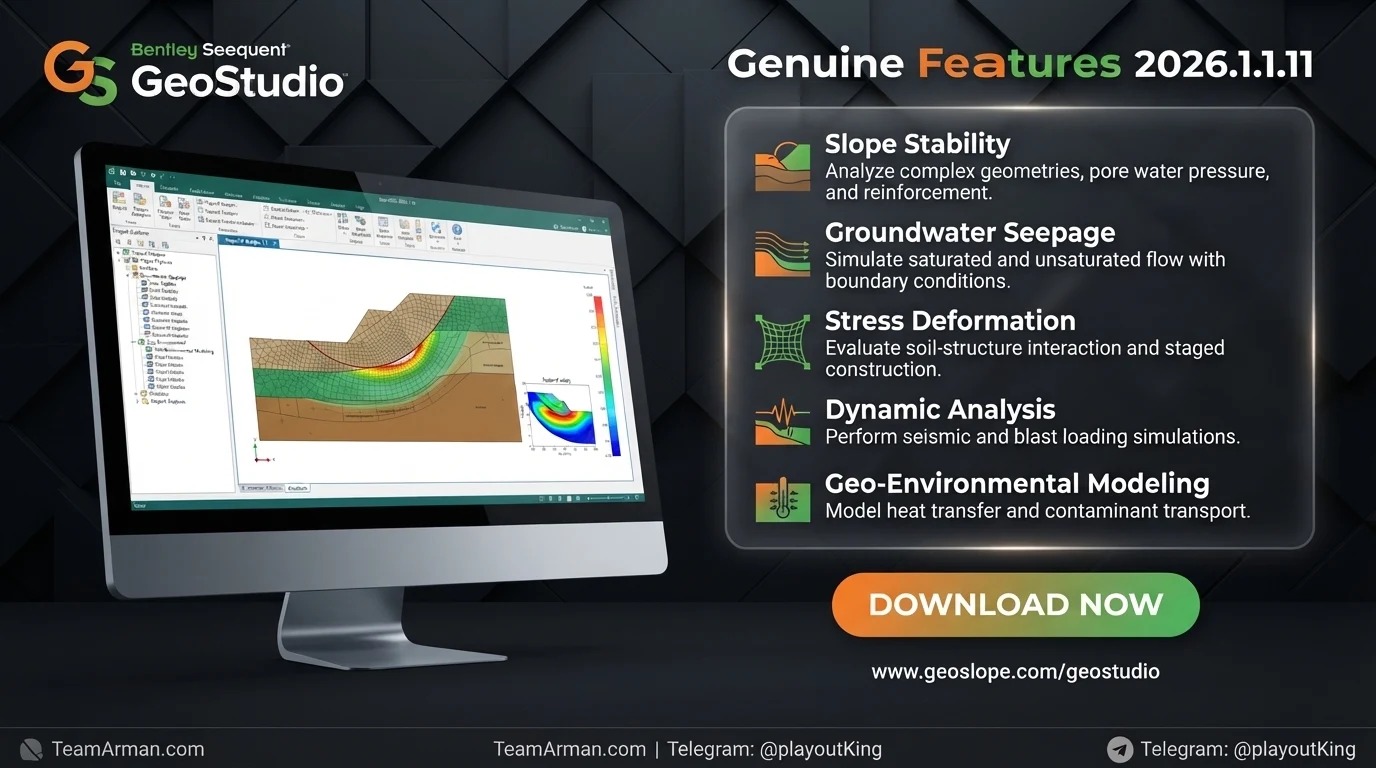
Introduction
Geotechnical engineering plays a major role in the planning and construction of infrastructure, mining operations, dams, foundations, and other earth-related structures. Engineers must understand how soil, rock, and groundwater behave under different environmental and loading conditions to make reliable design decisions. Bentley Seequent GeoStudio 2026.1.1.11 provides specialized modeling and simulation tools that help professionals investigate these conditions through numerical analysis.
The software combines multiple geotechnical applications in an integrated environment, allowing users to study slope stability, groundwater flow, soil deformation, stress distribution, and earthquake-related behavior. By creating engineering models and evaluating different scenarios, professionals can gain a better understanding of ground conditions and potential project risks.
What Is Bentley Seequent GeoStudio 2026.1.1.11?
Bentley Seequent GeoStudio is a geotechnical engineering software suite developed for analyzing soil, rock, groundwater, and related environmental processes. It provides dedicated applications for solving different engineering problems that arise during the design, construction, and evaluation of earth structures.
Engineers can define material characteristics, establish boundary conditions, build numerical models, and examine calculated results. These capabilities help users investigate how different geological and hydraulic conditions influence the performance of engineering structures.
The platform supports various two-dimensional and three-dimensional modeling workflows, depending on the selected applications and license. This makes it suitable for both routine geotechnical investigations and more complex engineering studies.
Key Features of GeoStudio 2026.1.1.11
1. Comprehensive Slope Stability Evaluation with SLOPE/W
Slope failure can affect infrastructure, construction sites, mining areas, and natural terrain. Evaluating the stability of these areas is essential before making important engineering decisions.
SLOPE/W provides tools for analyzing slope stability through limit equilibrium methods. Users can define soil properties, groundwater conditions, loading parameters, and potential slip surfaces to investigate different failure scenarios.
The application calculates factors of safety and helps engineers examine how changes in material strength, pore-water pressure, and external loads affect slope performance. These results can assist in comparing design alternatives and evaluating possible stability concerns.
2. Groundwater and Seepage Simulation with SEEP/W
Water movement through soil can influence ground strength and the behavior of earth structures. SEEP/W is designed to simulate groundwater flow through saturated and unsaturated porous materials using finite element methods.
Engineers can investigate different hydraulic conditions, including steady-state and transient seepage scenarios. The software helps evaluate water movement, pore-water pressure, and infiltration-related processes.
Such investigations are useful for earth dams, embankments, excavation sites, retaining structures, and other projects where groundwater conditions are important.
3. Soil Stress and Deformation Modeling with SIGMA/W
Soil and rock materials respond differently when subjected to construction loads and environmental changes. Understanding these responses is necessary when designing foundations and other geotechnical structures.
SIGMA/W provides analysis capabilities for examining stress distribution and deformation in soil, rock, and supported structural systems. It offers different material models and simulation approaches, including linear and nonlinear analysis options.
Engineers can use the application to study displacement, ground settlement, stress changes, and soil-structure interaction in suitable projects.
4. Seismic Response Analysis with QUAKE/W
Earthquakes can produce dynamic forces that significantly influence soil behavior. Geotechnical professionals therefore need methods for investigating how ground materials respond to seismic loading.
QUAKE/W provides finite element-based tools for analyzing earthquake-related soil behavior. It can be used to investigate dynamic ground response and excess pore-water pressure development during seismic events.
These capabilities support engineering studies involving earthquake loading and help professionals understand potential effects on soil systems and geotechnical structures.
5. Advanced Three-Dimensional Analysis
Some engineering conditions cannot be represented accurately through a single two-dimensional cross-section. GeoStudio includes three-dimensional analysis capabilities for supported geotechnical applications.
The 2026.1 release introduced point-load functionality for 3D slope stability analysis in SLOPE/3D. This allows engineers to represent concentrated loads associated with foundations, machinery, and other structural elements within suitable models.
Three-dimensional modeling can provide a more detailed representation of project geometry and loading conditions when evaluating complex ground conditions.
6. Environmental and Thermal Simulation Tools
GeoStudio also includes applications for studying additional physical and environmental processes within porous materials. The available tools depend on the installed products and license configuration.
Some of these applications include:
- TEMP/W: Used to investigate heat transfer and temperature changes within soil and porous materials.
- CTRAN/W: Provides capabilities for studying solute and gas transport through porous media.
- AIR/W: Supports analysis of air movement through soil and other porous materials.
These applications can contribute to specialized environmental, thermal, and geotechnical investigations.
7. Python API and Engineering Automation
Engineering teams often perform repeated simulations and handle large quantities of technical data. Automating selected activities can make these workflows more efficient.
GeoStudio offers Python scripting capabilities that allow users to interact programmatically with supported analysis workflows and result information.
The 2026.1 release includes enhancements to the Python scripting API, improving selected automation and data-handling capabilities. These features can be valuable for professionals who manage multiple analysis cases or develop customized engineering procedures.
8. Graphical Analysis and Results Visualization
Reviewing simulation outputs is an important stage of geotechnical analysis. GeoStudio provides graphical tools that help users examine calculated information and understand the behavior represented by their models.
Depending on the selected application, professionals can inspect relevant analysis results, review graphical representations, and compare different scenarios. These tools make technical findings easier to interpret and support engineering documentation.
9. Updated Performance and Reliability
The GeoStudio 2026.1.1 maintenance update addresses selected issues identified in the earlier 2026.1 release.
The November 2026 update includes corrections involving SLOPE/W search drawing behavior, solving performance for certain example files, and material assignments when importing geometry into GeoStudio 3D.
These maintenance improvements are intended to make supported modeling and analysis workflows more dependable.
Professional Applications of GeoStudio
GeoStudio supports a variety of engineering activities across civil construction, mining, environmental studies, and geotechnical consulting.
- Slope Stability Projects: Investigating natural slopes, excavations, and constructed embankments.
- Dam Engineering: Studying seepage conditions and the stability of earth structures.
- Foundation Engineering: Evaluating soil stress, settlement, and deformation.
- Mining Operations: Examining slope behavior and ground-related engineering risks.
- Transportation Infrastructure: Analyzing road embankments, cut slopes, and excavation areas.
- Environmental Investigations: Modeling groundwater movement and selected transport processes.
- Earthquake Engineering: Studying soil response under seismic loading conditions.
The appropriate application depends on the nature of the project and the analysis methods required.
Advantages of Using Bentley Seequent GeoStudio
The software provides several capabilities that can improve the way geotechnical professionals investigate and document engineering conditions.
- Multiple Analysis Applications: Access dedicated tools for different geotechnical problems.
- Numerical Modeling: Investigate complex soil and groundwater behavior using supported simulation methods.
- Slope Stability Assessment: Evaluate potential failure mechanisms and factors of safety.
- Groundwater Investigation: Study seepage and pore-water pressure conditions.
- Stress and Deformation Analysis: Examine how soil responds to different loading scenarios.
- 3D Modeling Support: Represent supported engineering problems in three dimensions.
- Python Automation: Customize selected workflows and handle analysis data programmatically.
- Graphical Results: Review simulation outputs and interpret engineering behavior.
These capabilities help engineers organize geotechnical investigations and evaluate different design conditions within a connected software environment.
Who Can Benefit from GeoStudio?
GeoStudio is designed for technical professionals who work with soil mechanics, groundwater studies, and geotechnical engineering.
Geotechnical Engineers can investigate slope stability, seepage, soil strength, and ground deformation.
Civil Engineers can evaluate embankments, excavations, earth dams, and infrastructure-related ground conditions.
Mining Engineers can study slope performance and geotechnical conditions around mining operations.
Environmental Engineers can examine groundwater movement and selected contaminant transport processes.
Engineering Consultants can use simulation tools to support technical assessments and project investigations.
Researchers and University Professionals can apply numerical modeling methods when studying soil and rock behavior.
System Requirements and Compatibility
Before installing Bentley Seequent GeoStudio 2026.1.1.11, users should review the requirements for the selected release and verify compatibility with their computer.
Important considerations include:
- Operating System: A supported Windows operating system is required.
- Processor: A modern multi-core CPU is recommended for demanding analysis tasks.
- RAM: Sufficient memory helps when processing larger models and complex simulations.
- Storage: Available disk space is needed for installation, model files, and analysis results.
- Graphics Hardware: A compatible graphics solution supports model display and visualization.
- Software Compatibility: Check the supported operating system and requirements for the selected GeoStudio applications.
Actual requirements may differ according to model size, simulation complexity, and installed modules.
Conclusion
Bentley Seequent GeoStudio 2026.1.1.11 is a comprehensive engineering platform for geotechnical modeling, soil analysis, and groundwater simulation. Its specialized applications cover important areas such as slope stability, seepage, stress distribution, deformation, seismic response, and environmental processes.
With support for selected 2D and 3D workflows, Python-based automation, graphical result interpretation, and maintenance improvements, GeoStudio offers a flexible environment for investigating complex ground conditions. It can support engineering professionals working on infrastructure, mining, foundations, dams, and environmental projects that require detailed geotechnical analysis.
Our Paid Service
If you want to Purchase Cracked Version / KeyGen Activator /License Key
Contact Us on our Telegram ID :
Crack Software Policies & Rules:
Lifetime Activation, Unlimited PCs/Users,
You Can test through AnyDesk before Buying,
And When You Are Satisfied, Then Buy It.