
Introduction
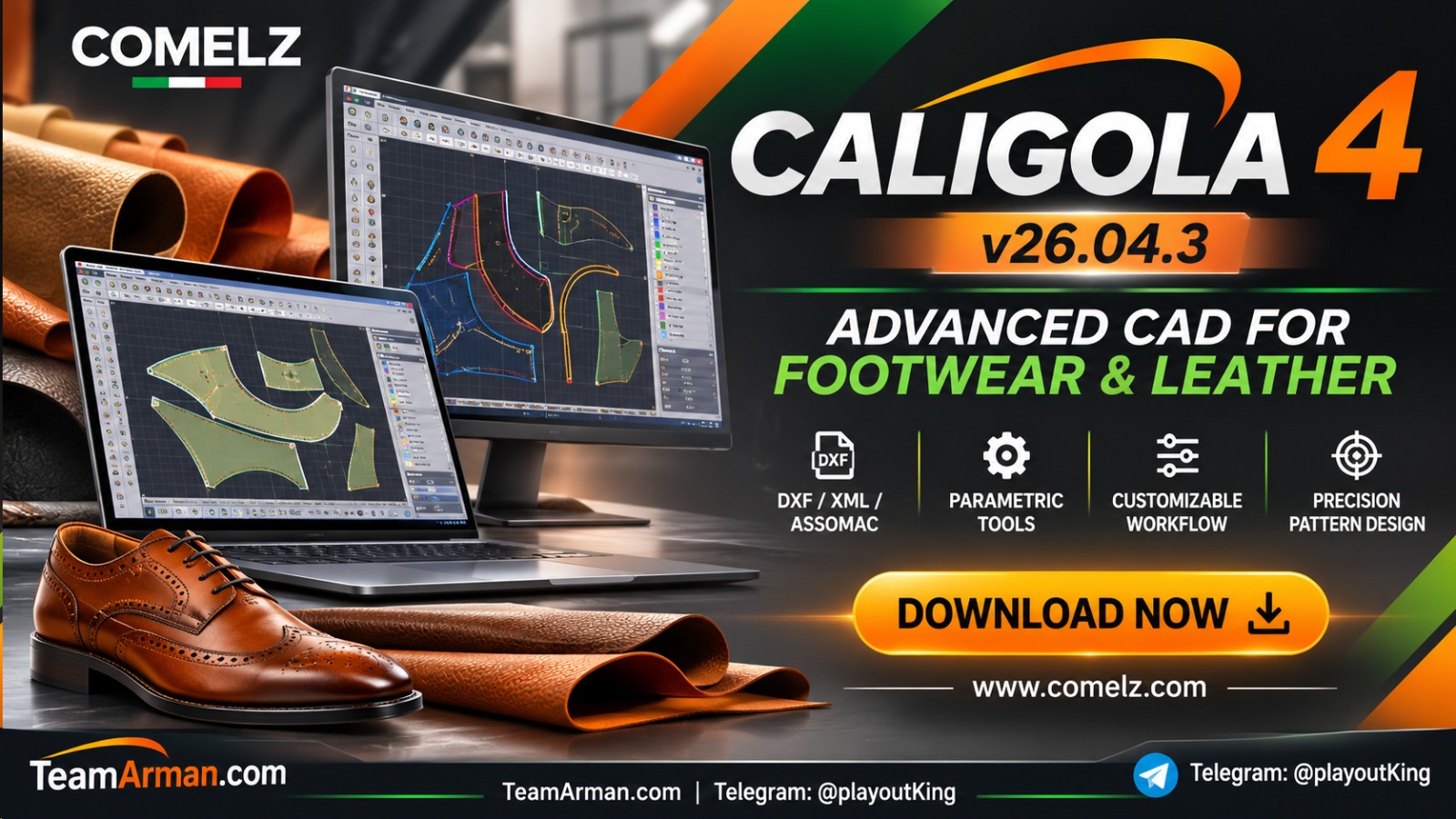
The footwear and leather manufacturing industries rely on accurate design processes, efficient pattern development, and well-organized production workflows. Creating a finished footwear product involves several technical stages, including pattern construction, component development, size grading, and material preparation. Caligola 4 v26.04.3 is a specialized computer-aided design solution developed by Comelz to support these activities within the footwear and leather goods industries.
The software provides dedicated tools for designing shoe patterns, modifying technical components, managing design information, and preparing manufacturing documentation. Its industry-focused environment makes it useful for footwear designers, CAD technicians, pattern engineers, and production teams looking for a structured digital design workflow.
What Is Caligola 4 v26.04.3?
Caligola 4 is a professional CAD application designed specifically for footwear engineering and leather product development. It provides an environment for creating, editing, and organizing technical patterns used in different manufacturing processes.
The platform focuses on footwear-related design requirements rather than general-purpose drafting. Users can work with shoe patterns, construction details, component geometry, and production-related information.
Its modular architecture allows businesses to configure the software according to their particular requirements. Different capabilities can support footwear design, sole development, leather goods production, and pattern grading.
This makes Caligola 4 a relevant tool for design studios, footwear factories, and technical departments involved in product development.
Key Features of Caligola 4 v26.04.3
1. Specialized Footwear Design Environment
Caligola 4 offers CAD functionality specifically developed for footwear design and engineering. It allows designers to create technical patterns, adjust component shapes, and organize different parts of a shoe within a dedicated workspace.
Users can work with upper patterns, linings, insoles, reinforcements, soles, and other footwear elements. The specialized design environment helps manage the geometric details required during footwear development.
2. Advanced Pattern Creation and Editing
Pattern development is a fundamental part of the footwear manufacturing process. Caligola 4 provides tools for creating and modifying pattern pieces while maintaining important construction details.
Users can work with:
- Pattern outlines and geometric shapes.
- Construction and reference lines.
- Seam and folding allowances.
- Notches and alignment points.
- Eyelet and zipper openings.
- Trimming and cutting details.
- Embroidery and perforation lines.
These capabilities help pattern makers prepare detailed designs for further manufacturing operations.
3. Footwear Size Grading
Producing footwear in multiple sizes requires accurate pattern adjustments. Caligola 4 provides an optional grading module that helps users generate different size variations from an original pattern.
The grading process supports the development of size ranges while maintaining the intended design proportions. This is particularly useful for manufacturers producing large footwear collections with different sizing requirements.
4. Parametric Design and Component Relationships
Caligola 4 incorporates parametric design capabilities that help maintain relationships between connected design elements.
When certain pattern dimensions or geometric properties are modified, associated elements can update according to their defined relationships.
This approach can reduce repetitive editing and make it easier to maintain consistency across related components.
It is particularly useful when working with complex footwear patterns that contain multiple connected pieces and construction details.
5. Multiple File Format Support
Footwear design projects frequently involve communication between different CAD applications and manufacturing systems. Caligola 4 supports several file formats to facilitate the exchange of technical information.
Supported formats and workflows include:
- DXF: For exchanging and modifying CAD drawings.
- XML: For storing structured model information.
- PDF: For sharing and printing technical documents.
- HPGL: For compatible plotting workflows through the relevant management module.
- Assomac: For exchanging information using the supported footwear industry format.
These options can help integrate design information into compatible external workflows.
6. Technical Data Sheets
Manufacturing teams require more than pattern drawings to prepare products for production. They also need information about materials, components, quantities, and processing instructions.
Caligola 4 includes technical data sheet functionality for organizing production-related information.
Depending on the selected configuration, documentation can include:
- Material descriptions.
- Component information.
- Quantity details.
- Manufacturing instructions.
- Processing operations.
- Material consumption information.
- Technical notes and specifications.
Keeping technical information organized alongside design data can improve communication between design and production departments.
7. Customizable Working Environment
Different footwear professionals may prefer different interface arrangements and working methods. Caligola 4 provides customization options that allow users to adapt parts of the software environment.
Available customization areas include toolbar arrangements, display preferences, colors, and tool configurations.
This flexibility helps users organize frequently used functions and establish a working environment that suits their design activities.
8. Material Planning and Nesting Workflows
Material efficiency is an important consideration in footwear and leather goods production. Leather and other materials can represent a significant portion of manufacturing costs.
Caligola 4 supports material consumption information within its technical documentation workflow. Compatible additional modules, including ST-Plus, provide further nesting-related capabilities.
These tools can help manufacturers organize pattern placement and evaluate material requirements during production preparation.
The available functionality depends on the installed modules and software configuration.
9. Modular Design Capabilities
Caligola 4 uses a modular structure that allows businesses to select functions according to their design and manufacturing requirements.
Its application areas include:
- Footwear CAD: Technical shoe pattern development and editing.
- Bottom CAD: Sole and insole design workflows.
- Leather Goods CAD: Pattern development for leather products.
- Grading Module: Development of different pattern sizes.
- Technical Data Sheets: Organization of production information.
- Plotter Management: Output preparation for compatible plotting equipment.
This modular approach allows different types of footwear businesses to configure their design environment according to their operational needs.
Applications of Caligola 4 in Footwear and Leather Manufacturing
Caligola 4 supports several activities associated with digital footwear development and leather product engineering.
Shoe Pattern Development
Footwear designers and pattern makers can use CAD tools to develop shoe components, modify pattern geometry, and prepare technical designs. This helps organize the construction details required before manufacturing begins.
Footwear Production Preparation
Manufacturers can use digital patterns and technical documentation to coordinate design information with production requirements. Organized component details can make communication between departments more consistent.
Leather Goods Engineering
The software also addresses leather goods design workflows. Professionals working with leather products can use specialized pattern development capabilities to prepare technical designs for different product categories.
Sole and Insole Development
Bottom design is another important area of footwear engineering. Compatible specialized modules support design activities involving soles, insoles, and related footwear components.
Size Range Development
Manufacturers producing different shoe sizes can use the grading functionality to develop additional pattern variations. This helps maintain design consistency across product collections.
Benefits of Using Caligola 4 v26.04.3
A dedicated footwear CAD application provides specialized capabilities that may not be available in traditional general-purpose drawing software.
Some important advantages include:
- Footwear-Focused CAD Tools: Work with specialized pattern design and engineering functions.
- Efficient Pattern Editing: Modify shoe components and manage technical construction details.
- Flexible Design Relationships: Use parametric connections between related design elements.
- Size Grading Support: Develop multiple pattern sizes through the optional grading module.
- Production Documentation: Organize materials, components, and manufacturing information.
- File Exchange Flexibility: Work with supported CAD and documentation formats.
- Modular Architecture: Select additional capabilities according to project requirements.
- Material Management: Support material consumption and compatible nesting workflows.
These capabilities can contribute to a more structured design and production preparation process.
Who Can Benefit from Caligola 4?
Caligola 4 is intended for professionals and businesses involved in footwear and leather product development.
Footwear Designers: Can develop shoe patterns, adjust component geometry, and prepare technical designs.
Pattern Engineers: Can create detailed pattern pieces and manage construction-related information.
CAD Technicians: Can work with specialized footwear design tools and organize technical drawings.
Manufacturing Companies: Can use digital pattern information and documentation during production preparation.
Leather Goods Designers: Can develop patterns for different leather-based products.
Technical Departments: Can organize design information and coordinate product development activities.
System Requirements and Installation Considerations
Before installing Caligola 4 v26.04.3, users should review the compatibility requirements and ensure that their workstation is suitable for the intended CAD activities.
Important considerations include:
- Operating System: Check compatibility with the Windows version supported by the release.
- Processor: A modern multi-core CPU is recommended for professional design work.
- RAM: Adequate memory helps when working with larger and more detailed projects.
- Storage: Ensure sufficient disk space for installation and project data.
- Graphics: Use a compatible graphics environment for CAD operations.
- Display: A suitable monitor resolution makes detailed pattern work easier.
- External Equipment: Check compatibility with digitizers, plotters, and other connected devices.
- Software Modules: Confirm that the required modules are included in the installed edition.
Exact hardware and operating system requirements should be verified using the documentation supplied with the specific release.
Tips for Getting Better Results with Caligola 4
A consistent design workflow can help improve productivity and reduce mistakes during footwear development.
- Prepare Accurate Base Patterns: Start with properly structured reference patterns before making modifications.
- Organize Components: Keep related pattern pieces and construction elements logically arranged.
- Check Measurements: Review dimensions and important reference points before production.
- Use Grading Carefully: Verify size variations to maintain consistent footwear proportions.
- Maintain Technical Records: Document material details and manufacturing instructions.
- Choose Suitable File Formats: Use compatible formats when transferring designs between applications.
- Review Material Usage: Evaluate material requirements during production planning.
- Back Up Projects: Maintain copies of important CAD drawings and technical documentation.
Following these practices can help create a more reliable digital design process.
Caligola 4 in Modern Footwear Engineering
Digital technologies are changing how footwear products are designed, engineered, and prepared for manufacturing. CAD applications help professionals manage complex patterns, component relationships, and technical documentation within organized digital environments.
Caligola 4 brings specialized footwear design capabilities into a single modular platform. Its pattern engineering tools, grading options, parametric relationships, and production documentation features address several important stages of footwear development.
For manufacturers and design professionals, these capabilities can support better coordination between initial design work and production preparation.
Conclusion
Caligola 4 v26.04.3 is a specialized CAD solution for footwear engineering, shoe pattern development, and leather goods design. It provides dedicated tools for creating and editing patterns, managing component relationships, developing size variations, and organizing manufacturing information.
Its modular architecture and industry-specific capabilities make it relevant to footwear designers, pattern engineers, CAD professionals, and manufacturing companies.
Whether the objective is to develop shoe patterns, prepare sole designs, manage leather goods components, or organize production documentation, Caligola 4 offers a specialized digital environment for modern footwear design and engineering workflows.
Our Paid Service
If you want to Purchase Cracked Version / KeyGen Activator /License Key
Contact Us on our Telegram ID :
Crack Software Policies & Rules:
Lifetime Activation, Unlimited PCs/Users,
You Can test through AnyDesk before Buying,
And When You Are Satisfied, Then Buy It.