
Introduction
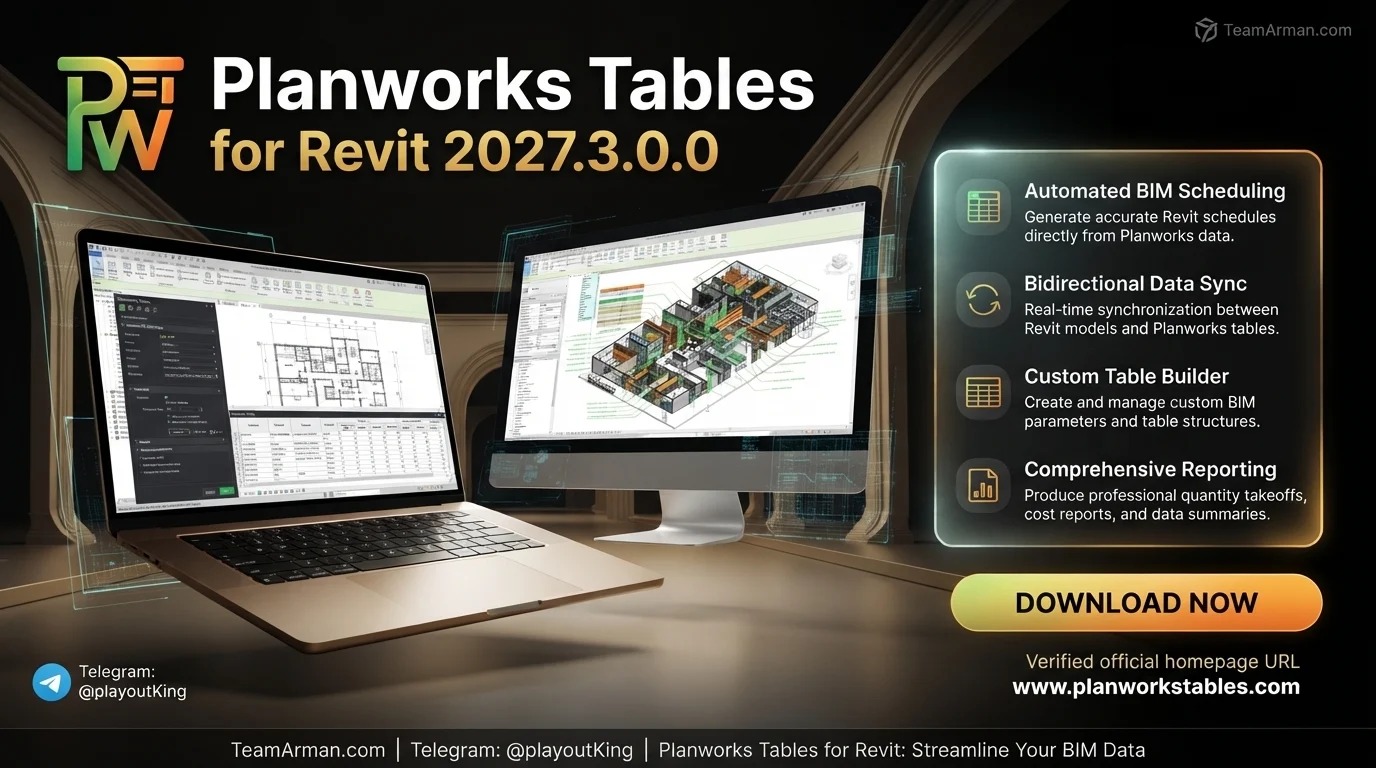
Building Information Modeling projects generate large amounts of technical information that must be properly organized, reviewed, and maintained. Architects, engineers, and BIM specialists regularly work with schedules, parameters, quantities, and project documentation. Planworks Tables for Revit 2027.3.0.0 provides a spreadsheet-based solution designed to make these activities more convenient within Autodesk Revit.
The application connects BIM project information with an Excel-style working environment. It helps users manage schedules, edit supported data, prepare reports, and organize project records without relying entirely on traditional Revit workflows. Its combination of spreadsheet tools and Revit integration makes it useful for professionals handling complex architectural and engineering projects.
What Is Planworks Tables for Revit 2027.3.0.0?
Planworks Tables for Revit 2027.3.0.0 is a productivity extension for Autodesk Revit that brings spreadsheet functionality into BIM data management. It allows users to work with project information through structured tables while maintaining a connection with their Revit models.
The software is designed to simplify tasks involving schedules, project parameters, reporting, and data organization. Its spreadsheet-oriented interface provides familiar tools for editing information, applying formatting, and arranging records.
It can be particularly helpful for teams that frequently exchange information between Revit and Excel-based documents or need a more flexible approach to managing project data.
Key Features of Planworks Tables for Revit
1. Integrated Spreadsheet Workspace
Planworks Tables provides an Excel-style interface for working with project information inside Revit. Users can organize data in rows and columns, apply spreadsheet formatting, and prepare structured tables.
Its XLSX-based workflow is useful for professionals who already use spreadsheet applications for project documentation. This familiar approach can make data handling easier and reduce the need to switch repeatedly between different applications.
2. Revit and Spreadsheet Synchronization
The application connects spreadsheet information with supported Revit project data. Its bidirectional synchronization capabilities help users transfer and update information between the two environments.
This can be useful when schedules or model parameters need frequent revisions. Instead of manually repeating the same data entry tasks, users can work through the connected spreadsheet workflow and maintain better consistency.
3. Flexible Schedule Management
Schedules provide important information about building components, materials, and project elements. Planworks Tables offers additional ways to manage and organize Revit schedules through its spreadsheet environment.
Users can work with existing schedules, key schedules, and material takeoffs. The information can then be arranged into structured tables for reviewing project details and preparing documentation.
4. SmartReports for Advanced Reporting
For projects that require more detailed calculations and reporting, Planworks Tables provides SmartReports functionality.
It supports reporting workflows involving room programming and calculations associated with mechanical, electrical, plumbing, and structural projects. Summary fields can also help users organize calculated information and create basic dashboard-style reports.
These features provide additional flexibility when reviewing project data and preparing technical documentation.
5. SmartCreation for Repetitive Tasks
Creating and organizing Revit project elements can involve several repetitive operations. Planworks Tables includes SmartCreation commands to help automate selected activities through its spreadsheet-based workflow.
Depending on the available commands, users can work with tasks such as:
- Creating levels and associated views.
- Generating rooms and spaces.
- Preparing sheets with placed views.
- Creating shared project parameters.
- Duplicating views for documentation purposes.
These functions can help reduce repetitive setup work and improve consistency across project documentation.
6. Advanced Data Filtering
Large Revit models can contain thousands of elements and extensive parameter information. Finding specific records becomes easier when data can be filtered according to project requirements.
Planworks Tables supports nested filtering options for organizing information and reviewing relevant records. Users can also work with summary fields and spreadsheet calculations to structure their data more effectively.
This is beneficial when managing complex schedules or preparing focused project reports.
7. Model Comparison and Quality Control
Keeping BIM information accurate is essential during design development and project coordination. Planworks Tables provides capabilities for comparing model information and reviewing changes.
Its access to Revit database information can also support model checking and quality assurance activities. These functions can help professionals examine project data, identify differences, and maintain more organized documentation.
8. Reusable Templates and Consistent Formatting
Many architectural and engineering projects require similar tables, schedules, and reports. Preparing these documents repeatedly can consume valuable time.
Planworks Tables supports reusable spreadsheet templates, allowing users to maintain preferred layouts and formatting for future work. Templates can help standardize documentation and make recurring data management tasks more efficient.
Where Can Planworks Tables Be Used?
Planworks Tables can support a variety of workflows across the architecture, engineering, and construction sectors.
- Architectural Design: Organizing room schedules, sheet information, and building documentation.
- BIM Coordination: Reviewing model parameters and maintaining project data.
- Structural Engineering: Managing structural information and calculation-related reports.
- MEP Engineering: Handling technical schedules and discipline-specific reporting.
- Construction Documentation: Arranging material information and project records.
- Project Management: Reviewing model data and supporting coordination between teams.
Its spreadsheet-focused workflow is particularly useful for professionals who regularly handle large amounts of structured Revit information.
Advantages of Using Planworks Tables
Adding spreadsheet functionality to Revit can provide several practical benefits for BIM professionals.
- Simplified Data Handling: Work with project information through a familiar table interface.
- Improved Scheduling: Organize existing schedules and material takeoffs.
- Connected Workflows: Synchronize supported information between Revit and spreadsheets.
- Reporting Capabilities: Use SmartReports for advanced project data requirements.
- Task Automation: Apply SmartCreation tools to selected repetitive operations.
- Better Organization: Filter, summarize, and arrange extensive project information.
- Reusable Templates: Maintain consistent layouts across different projects.
- Quality Control: Compare model information and support data review activities.
Together, these capabilities can help teams improve their approach to BIM documentation and project information management.
Who Can Benefit from This Software?
Planworks Tables is suitable for professionals who use Revit as part of their daily design and documentation work.
Architects can organize building information, room schedules, and project sheets.
BIM Coordinators can review model data, manage parameters, and support information consistency.
Structural Engineers can organize structural project details and prepare calculation-related reports.
MEP Specialists can manage technical schedules and discipline-specific information.
Revit Technicians can create tables, work with spreadsheet data, and simplify repetitive documentation tasks.
Construction Teams can use structured project information to support planning and coordination.
System Requirements and Compatibility
Before installing Planworks Tables 2027.3.0.0, check that the application is compatible with your Autodesk Revit installation and computer environment.
Consider the following requirements:
- Revit Version: Confirm compatibility with the intended Autodesk Revit release.
- Operating System: Use a Windows version supported by your Revit installation.
- Processor: A modern CPU is recommended for handling professional BIM workloads.
- Memory: Adequate RAM helps when working with large models and complex schedules.
- Storage: Keep sufficient disk space available for installation and project data.
- Spreadsheet Compatibility: Check the supported Excel and XLSX workflow requirements.
Actual requirements may vary depending on the project size, installed Revit version, and software configuration.
Conclusion
Planworks Tables for Revit 2027.3.0.0 extends spreadsheet-based data management into the Autodesk Revit environment. Its Excel-style workspace, synchronization capabilities, schedule management, SmartReports, and SmartCreation tools offer additional flexibility for handling BIM information.
With support for data filtering, reusable templates, and model review workflows, the software can help architects, engineers, and BIM professionals organize project documentation more effectively. It is a useful option for teams seeking a more structured approach to Revit scheduling and spreadsheet-based project management.
Our Paid Service
If you want to Purchase Cracked Version / KeyGen Activator /License Key
Contact Us on our Telegram ID :
Crack Software Policies & Rules:
Lifetime Activation, Unlimited PCs/Users,
You Can test through AnyDesk before Buying,
And When You Are Satisfied, Then Buy It.